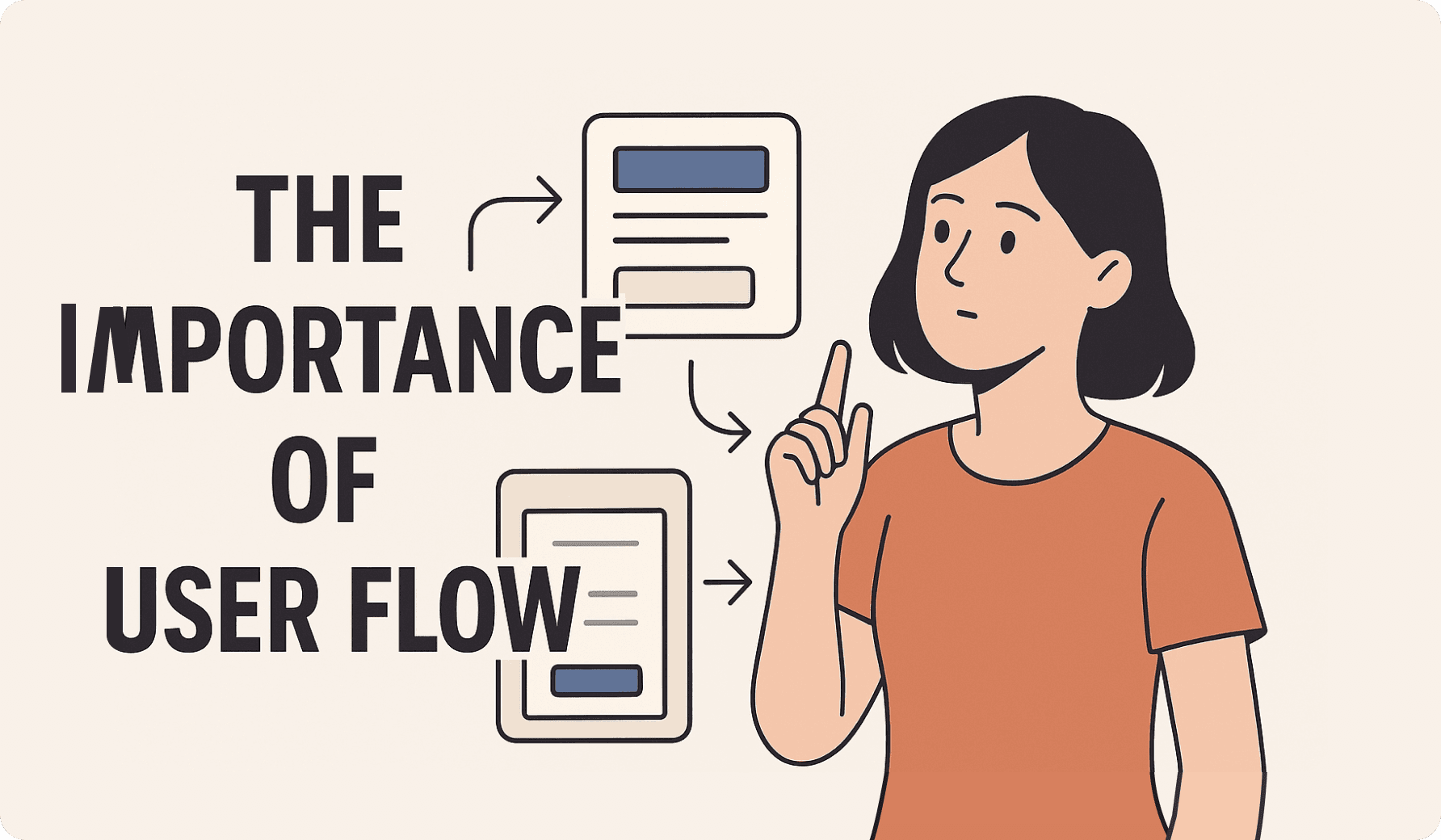
The Importance of User Flow
The Importance of User Flow
The Importance of User Flow
April 3, 2025
5 min read
Beautiful visuals are great, but without a clear flow, users get lost. Here's how to build a strong and intuitive user journey.
Why great UI isn't enough
What makes a user flow intuitive?
How to design journeys that convert
User flow is often the most underrated part of digital product design. It's the behind-the-scenes path that guides users through your product to accomplish their goals.
Without it, even the most beautiful screens will fail.
*
*
*
What Is User Flow?
User flow refers to the sequence of steps a user takes to complete a task—like signing up, making a purchase, or finding content.
It's not just about pages. It’s about momentum.
When done right, the flow feels natural. Users glide through the experience with minimal friction.
When done poorly, people drop off, get confused, or abandon your product entirely.
What Is User Flow?
User flow refers to the sequence of steps a user takes to complete a task—like signing up, making a purchase, or finding content.
It's not just about pages. It’s about momentum.
When done right, the flow feels natural. Users glide through the experience with minimal friction.
When done poorly, people drop off, get confused, or abandon your product entirely.
*
*
*
Key Elements of a Strong User Flow
Clear entry and exit points
You need to define where the journey begins and ends. This gives structure to the flow and helps track success.Logical steps
Every screen should lead naturally to the next. No dead ends. No guesswork.Feedback loops
Let users know what just happened—success states, errors, confirmations.Flexibility
Let users go back, skip, or retry. Rigid flows break easily.
Key Elements of a Strong User Flow
Clear entry and exit points
You need to define where the journey begins and ends. This gives structure to the flow and helps track success.Logical steps
Every screen should lead naturally to the next. No dead ends. No guesswork.Feedback loops
Let users know what just happened—success states, errors, confirmations.Flexibility
Let users go back, skip, or retry. Rigid flows break easily.
*
*
*
How to Design Better Flows
Start with goals. What do users want to achieve? Map backward from there.
Use tools like:
Flowcharts or journey maps
Wireflows (wireframe + flow)
Clickable prototypes (Figma is great!)
Validate flows with real users. Watch where they hesitate or struggle.
How to Design Better Flows
Start with goals. What do users want to achieve? Map backward from there.
Use tools like:
Flowcharts or journey maps
Wireflows (wireframe + flow)
Clickable prototypes (Figma is great!)
Validate flows with real users. Watch where they hesitate or struggle.
*
*
*
Flow Over Fancy
It’s tempting to obsess over trendy visuals, but without flow, users get stuck. Clarity > aesthetics.
Startups especially need to prioritize functionality and flow early on—beauty can be layered later.
Flow Over Fancy
It’s tempting to obsess over trendy visuals, but without flow, users get stuck. Clarity > aesthetics.
Startups especially need to prioritize functionality and flow early on—beauty can be layered later.
*
*
*
Common Mistakes in User Flow Design
Even experienced teams sometimes fall into these traps:
Overcomplicating the journey
Too many steps, too many decisions. Users drop off when paths feel like a maze.Ignoring edge cases
Flows break when you don’t design for errors, empty states, or unusual user behavior.Lack of visual hierarchy
If users can’t tell what to do next, they freeze. Use layout and contrast to guide the eye.No feedback or validation
Silence is confusing. Always communicate what happened after an action.
Avoiding these can drastically improve user completion rates and satisfaction.
Common Mistakes in User Flow Design
Even experienced teams sometimes fall into these traps:
Overcomplicating the journey
Too many steps, too many decisions. Users drop off when paths feel like a maze.Ignoring edge cases
Flows break when you don’t design for errors, empty states, or unusual user behavior.Lack of visual hierarchy
If users can’t tell what to do next, they freeze. Use layout and contrast to guide the eye.No feedback or validation
Silence is confusing. Always communicate what happened after an action.
Avoiding these can drastically improve user completion rates and satisfaction.
*
*
*
Conclusion
User flow is where real usability begins. It’s the foundation of trust, engagement, and conversion.
Design with empathy, iterate with feedback, and always ask: Can users reach their goal effortlessly?
Conclusion
User flow is where real usability begins. It’s the foundation of trust, engagement, and conversion.
Design with empathy, iterate with feedback, and always ask: Can users reach their goal effortlessly?

Looking for a Designer?
I’m here to help bring your ideas to life with smart and user-friendly design. Let’s talk!